






Fixing DJI O4 Air Unit Pro Vibration & RockSteady Issues: A Practical Guide
If you're seeing shaky footage, jelly effect, or weird RS artifacts after RockSteady or Gyroflow on your DJI O4 Air Unit Pro — you're not alone, and it's almost always fixable on the frame side. DJI's engineering team has shared their analysis of the issues showing up in the field, and the fixes come down to two things: vibration isolation and ESC PWM tuning.
Here's what's actually happening and how to get your footage looking like it should.

The two failure modes
1. IMU resonance jitter (post-stabilized footage looks shaky, live feed looks fine)
The camera IMU has a natural frequency between roughly 24 kHz and 30 kHz. Most ESCs default to a 24 kHz PWM frequency. When those overlap, motor vibrations couple into the IMU and corrupt the gyro data RockSteady (and Gyroflow) rely on. The result: real-time preview looks clean, but the recorded/stabilized file is shaky.
Frames with TPU or soft rubber camera isolation are far less prone to this.
2. Propeller-frequency vibration (water ripple / jelly effect in both preview and recording)
If you see jello or ripple in the live goggle feed too, that's prop-frequency vibration (typically a few hundred Hz) reaching the camera through the frame and mount.
Step 1 — Diagnose IMU resonance (props off)
- Remove the propellers. Make sure the camera is firmly mounted and the aircraft is stationary.
- Enable RockSteady, start recording.
- Arm and slowly ramp the throttle to full. Watch the live goggle feed.
- If the preview shakes → camera mount isn't secure. Recheck hardware.
- If the preview is clean → stop motors, end the recording, and review the file.
- If the recorded file shakes even though the live preview didn't, that's IMU/frame resonance. Fixes:
- Raise your ESC PWM frequency to 48 kHz or 96 kHz and retest. This moves the motor noise out of the IMU's resonance band.
- If it still shakes, soften the camera mount. Use damping balls or pads rated 50A Shore hardness or lower — the softer, the better — until the recorded file clears up.
Step 2 — Eliminate prop-frequency vibration (in-flight test)
- Inspect your props. Any wear, nicks, or imbalance → replace with fresh ones.
- Fly and review the footage. If it's clean, you're done.
- If shake remains:
- Soften the camera damping further — soft beats stiff for this problem, every time.
- Recheck the screw tension at the camera-to-frame interface. Over-torqued screws defeat your damping.
"My new O4 Pro doesn't stabilize the same as my old one on the exact same frame"
This one comes up a lot. DJI confirmed that newer batches of the O4 Air Unit Pro ship with an updated IMU sensor — better precision, noise suppression, and temperature drift control. It matches the IMU used in the standard O4 Air Unit.
The catch: the new IMU has a different vibration frequency response than the older one. On the same frame and same tune, you can get noticeably different RockSteady results — especially at high throttle — purely because of the sensor change.
The fix isn't to flash anything or change settings — it's to optimize the mechanical isolation between the camera and frame so the new sensor can do its job:

- Add damping balls or pads at the camera-to-frame interface — silicone, 50A Shore hardness or below — to filter the high-frequency vibration heading into the IMU.
- Use a TPU flexible camera mount. A printed TPU damping base between the camera and the frame is one of the most effective fixes.
- Verify your vibration sources are healthy. Balanced motors, clean bearings, undamaged props. An unbalanced motor or a chipped prop will defeat any amount of damping.
The short version
- Bump ESC PWM to 48 kHz or 96 kHz.
- Mount the camera on something soft — TPU mount or ≤50A damping balls/pads.
- Don't crank the camera screws down — soft mounts only work when they're allowed to move.
- Fresh, balanced props and clean motors. No exceptions.
- New O4 Pros stabilize differently than older ones on the same frame — that's a sensor change, not a defect. Adjust your damping accordingly.
Building or buying?
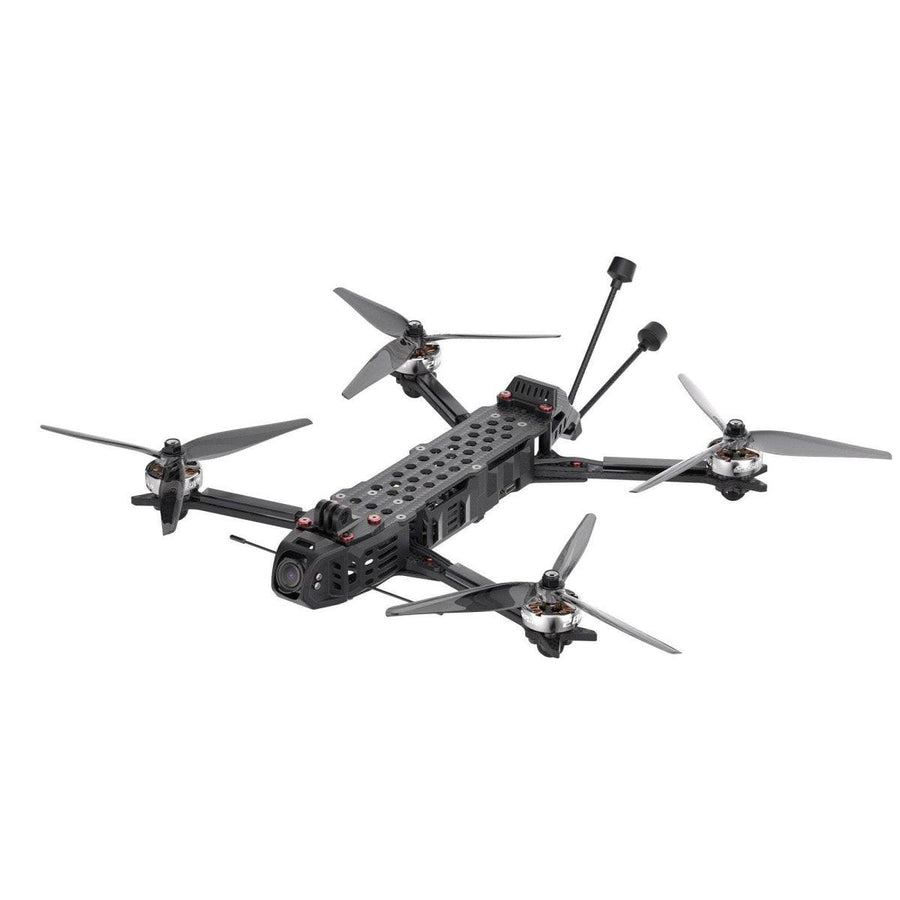
If you'd rather skip the trial-and-error, WREKD® Built & Tuned quads ship with TPU camera mounts and damping designed around the O4 Air Unit Pro specifically. The math has already been done — you fly, the camera does its job.
Source: technical analysis from DJI's engineering team on O4 Air Unit Pro stabilization behavior.
