Divimath VTX Programmer

Divimath VTX Programmer
SAVE 5% OFF YOUR FIRST ORDER
Use discount code FIRSTLEGENDS at checkout.

EXCLUSIVE DISCOUNTS AVAILABLE
Military, First Responders & Students
Learn More

Precio habitual $19.99
/
  • In Stock
NOTE: This item is on pre-order. Estimated to ship in 0 to 1 days.

Divimath VTX Programmer

$19.99
  • FREE delivery on most orders over $199.
    Ships from: WREKD Warehouse, Ohio, United States
    Learn about our Shipping and Return Policy

Earn 19 CaveCoin by purchasing this item.

or Sign Up to start earning on your next order.

About this item

Divimath VTX Programmer

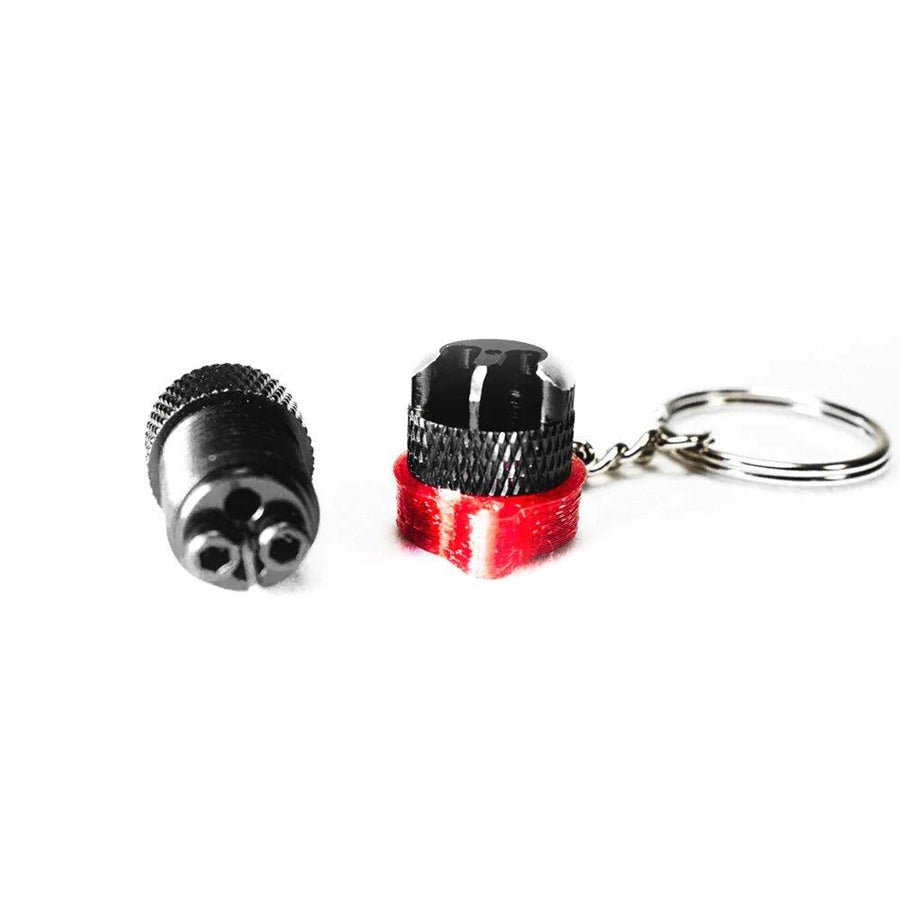
Quickly and easily update firmware on compatible Divimath video transmitters with the Divimath VTX Programmer.

Compatibility

  • Works with Windows, macOS, and Linux
  • Requires a USB-A to USB-C cable. USB-C to USB-C cables are not supported.

Firmware Update Instructions

  1. Connect the programmer's 7-pin JST cable to the connector on the VTX labeled FW.
  2. Connect the Divimath VTX Programmer to your computer using a USB-A to USB-C cable.
  3. Download the latest firmware from: https://www.divimath.com/pages/downloads
  4. Open the Divimath web flasher: https://app.divimath.com
  5. Select the firmware file you wish to install.
  6. Click Start Flashing.
  7. When prompted, select the STM32 Virtual COM Port associated with the programmer.

The firmware update process typically completes in approximately 3 seconds.

Features

  • Fast firmware updates in seconds
  • No software installation required
  • Cross-platform browser-based flashing tool
  • Simple plug-and-play operation

Note: The programmer must be connected to the VTX connector labeled FW.

Compliance and Origin

NDAA compliant
Country of Origin: Thailand

Los pilotos también recomiendan estos...
Visto recientemente